Turning recurring support questions into a scalable learning experience
Role: Product / UX Design
Scope: Information architecture · Content strategy · UX writing · Onboarding · In-app education · Feature enablement
Audience: Operators · Production managers · Customer teams · Sales · Marketing
Languages: English · French · Spanish
Scope: Information architecture · Content strategy · UX writing · Onboarding · In-app education · Feature enablement
Audience: Operators · Production managers · Customer teams · Sales · Marketing
Languages: English · French · Spanish
The opportunity
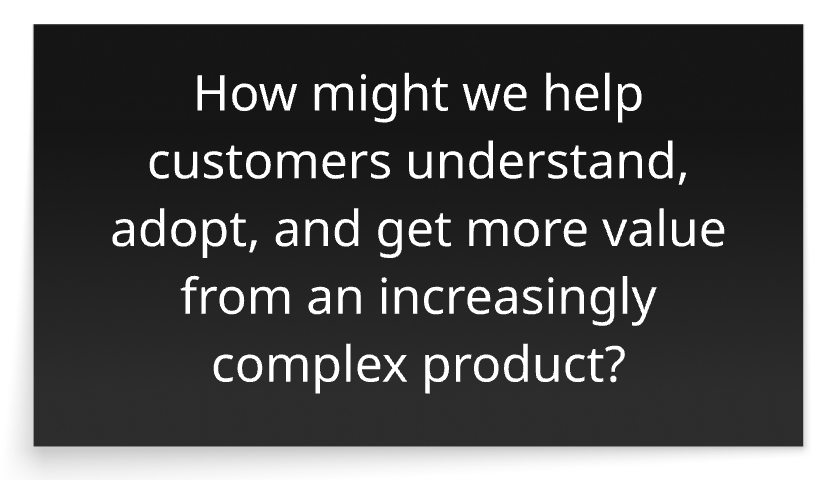
We weren’t just getting support tickets. We were seeing a product education problem.
Customers repeatedly contacted Support with questions like:
“How is this KPI calculated?”
“How does OEE work?”
“How do I use this feature?”
“How does OEE work?”
“How do I use this feature?”
Each question required a human answer. But the underlying problem was bigger:
Users needed a better way to understand the product without depending on Support.
That became the starting point for what eventually evolved into the Worximity Academy / Resource Center.
The challenge
The challenge wasn't simply to create documentation.
We needed to build a resource that could support users across the entire product journey:
Understand → Learn → Onboard → Adopt → Discover
And it needed to work for very different audiences — from operators using the platform on the production floor to managers analyzing KPIs, as well as internal teams communicating new product capabilities.
The design evolution
01 Explain the numbers
We started with the questions customers were already asking.
We documented:
-KPI definitions
-Calculation formulas
-Data logic
-Production concepts
-OEE and related metrics
The goal was to make the platform's calculations transparent and understandable, rather than simply presenting users with a number.
02 Teach people how to use the product
Once the fundamental concepts were documented, the Resource Center expanded into practical learning.
We introduced:
How-to guides · Step-by-step instructions · Videos · Feature explanations
Instead of telling users what something was, we could show them how to use it.
03 Turn documentation into an onboarding tool
The Resource Center became a reusable onboarding reference for customer teams.
Users could share resources with:
Operators → Supervisors → Managers → New team members
And because Worximity served international customers, the experience was made available in:
English · Français · Español
This allowed customers to train their teams using the same source of truth.
04 Make every launch easier to understand
As the product evolved, the Resource Center became part of the feature-launch experience.
New capabilities could be documented with:
- What it is
- Why it matters
- How it works
- How to use it
- What's included
- What's not included
- Video walkthroughs
- Why it matters
- How it works
- How to use it
- What's included
- What's not included
- Video walkthroughs
This gave customers a consistent way to understand what changed — and gave internal teams a reliable reference when communicating those changes.
One experience, multiple stakeholders

The transformation
BEFORE
Customer question
↓
Support ticket
↓
Human explanation
↓
One customer learns
↓
Support ticket
↓
Human explanation
↓
One customer learns
AFTER
Customer question
↓
Resource Center
↓
Self-serve answer
↓
Reusable knowledge
↓
Many customers learn
↓
Resource Center
↓
Self-serve answer
↓
Reusable knowledge
↓
Many customers learn
The takeaway
The project wasn't about creating more documentation. It was about designing a scalable way for people to understand the product.
By turning recurring questions into structured, accessible knowledge, the Resource Center helped move product education from a reactive support activity to an integrated part of the customer experience.
One source of truth.
Multiple audiences.
Available when needed.
Built to evolve with the product.
Multiple audiences.
Available when needed.
Built to evolve with the product.